Your desktop,
on voice.
Press Ctrl+Shift+Space anywhere, say it — English, हिन्दी or Hinglish — and it’s done. Offline, always.
idle · listening for the hotkey
what you can say — the console, live
Talk like a person.
It acts like software.
Nothing you say dead-ends — and every step passes your permissions.
capabilities — tools, not talk
It doesn’t chat about tasks.
It does them.
Opens anything
Any installed app from the Start-Menu index — and websites it has never seen, resolved and verified on the fly.
Writes into your apps
Types into Notepad while you watch, adds to your to-do board — English, Hindi or Hinglish.
Drives your coding agent
opencode gets a real task list from your voice — Mitra babysits the run.
Finds things
Media words route to YouTube; the open web is the last resort that never misses.
Remembers & reminds
Real desktop notifications, and session memory that holds context across turns.
And actually converses
A local LLM that stays silent until spoken to — then holds a real conversation. Misheard words get repaired against a domain vocabulary: “open court” becomes opencode.
how it works — three brains, one hotkey
Fast when it can be,
deep when it must be.
Instant, and pinned by tests
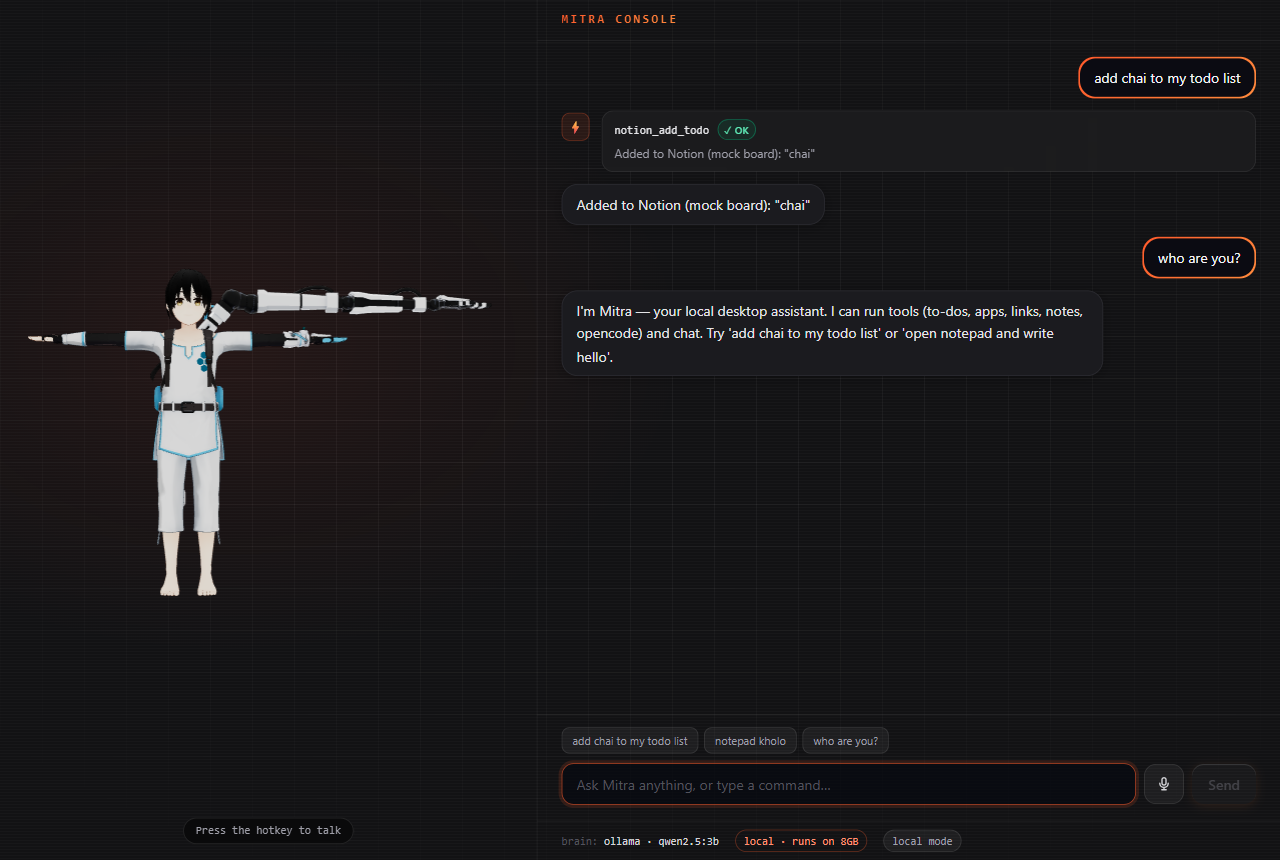
Todo adds, app launches, site opens — regex certainty, zero model latency.
Semantic routing in ~50 ms
A compact multilingual model decides which tool — or whether to think deeper — before you finish the sentence.
Local tool-calling & chat
For open-ended asks, qwen reasons over your tools and converses — fully on your machine.
The permission gate is yours
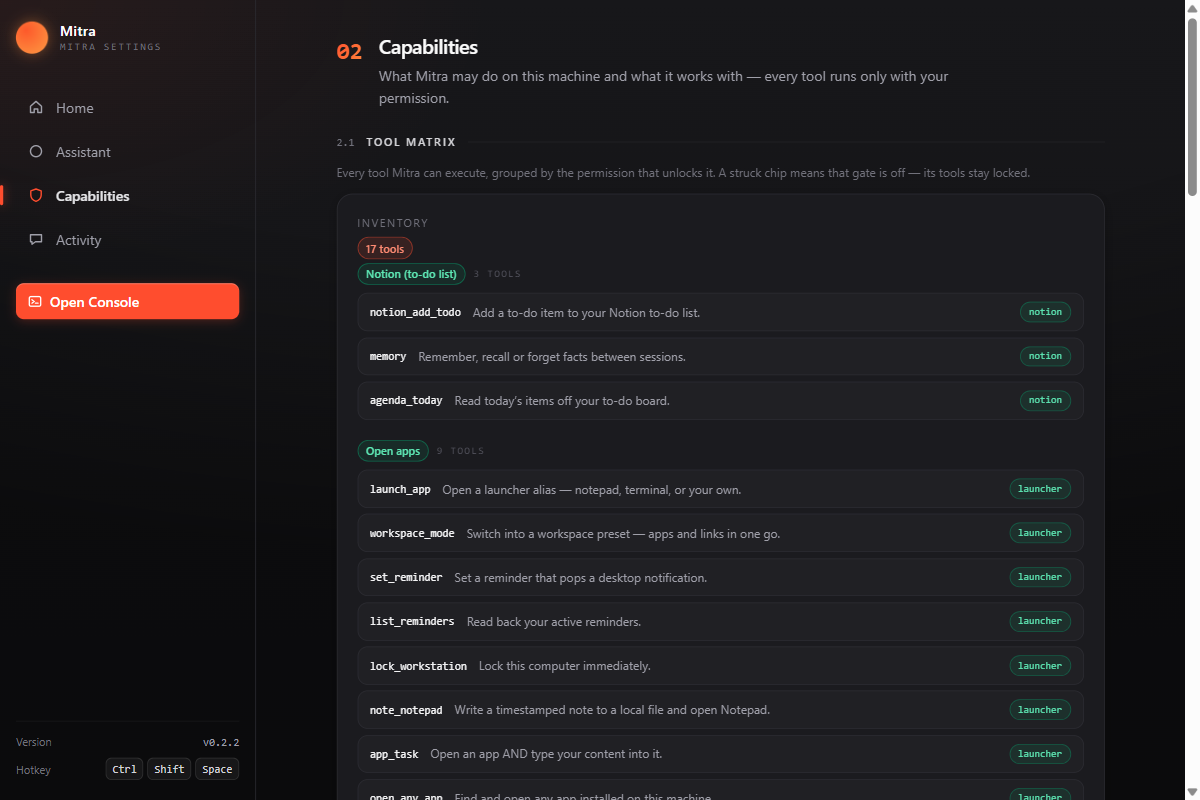
Mitra is eager; you stay in charge. Every tool call passes the ACL you set in Settings — per-capability allow, ask, or deny. Grant the fun stuff, gate the scary stuff, change your mind anytime.
privacy — the honest receipt
Nothing leaves your machine.
see it — real screenshots, real build
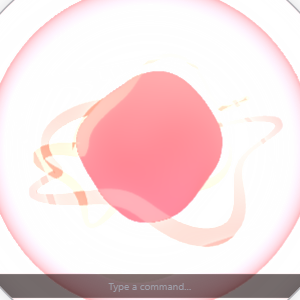
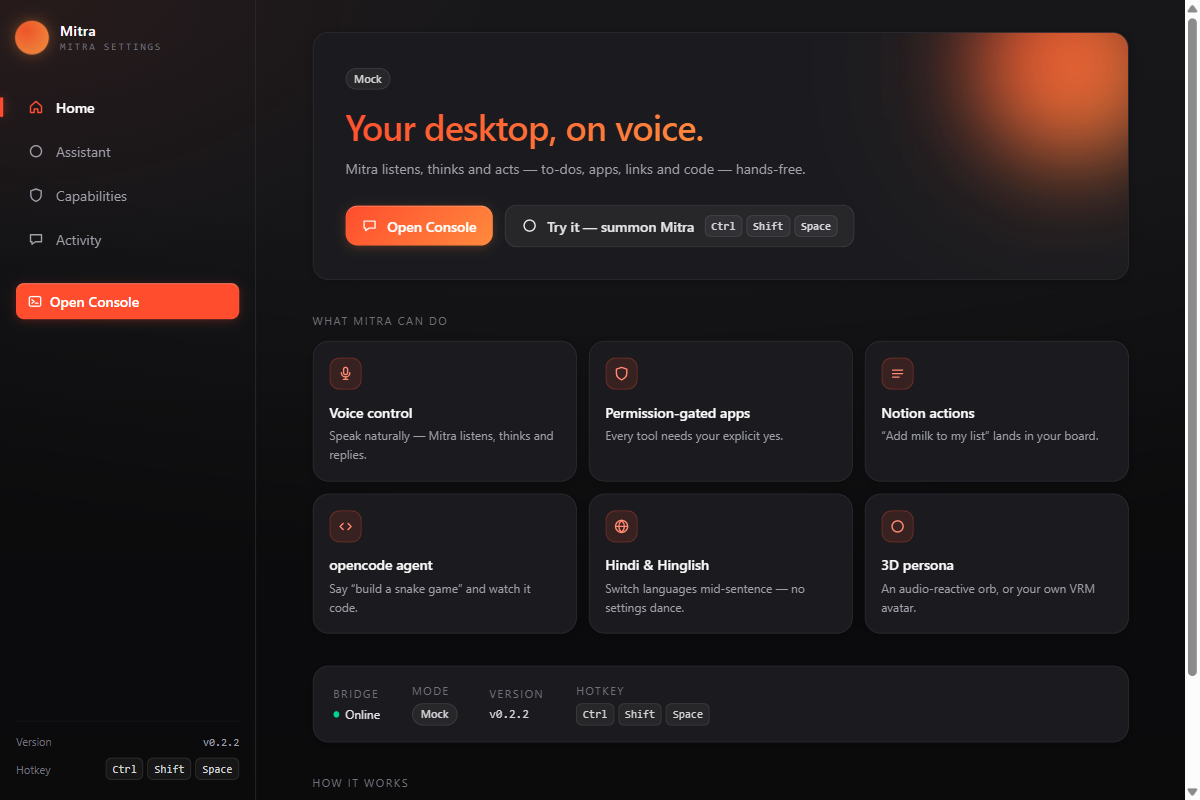
The real thing, running.
get mitra — one exe, or one clone
Install it. Or build it.
The installer
Grab Mitra-Setup-0.2.2.exe — or the portable exe, no install needed. It lives in the tray; press Ctrl+Shift+Space and talk.
From source
TypeScript strict; 767 unit tests pin the utterances, 8 e2e drive the real app — zero keys required.
git clone https://github.com/rishabhx29/mitra.git
cd mitra/app
npm install
npm run dev
optional upgrades, never required: Ollama qwen2.5:3b · laya-serve · Bolna keys